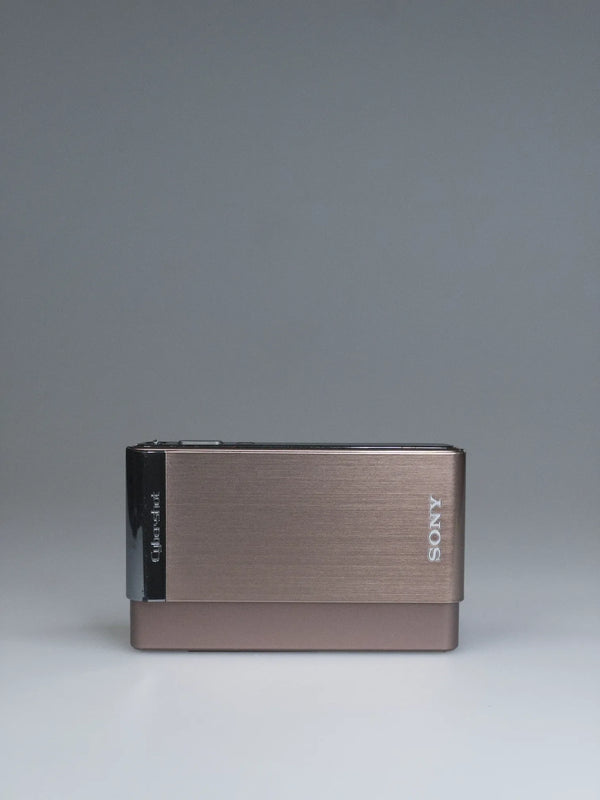
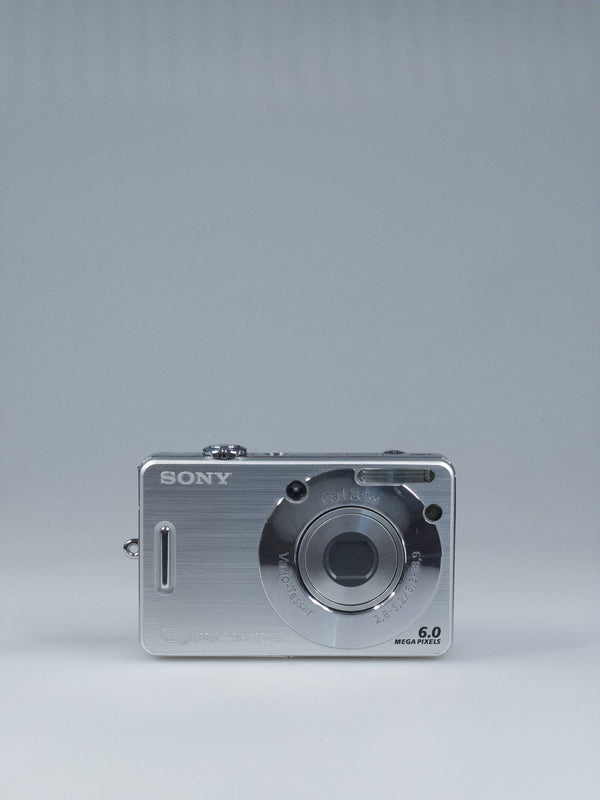
The date in the corner: how to switch it on, and what to know first
Guide · How to · Updated November 2026
The date printed in the corner of a photo is part of the old-camera look. Film cameras did it, and many digicams can too: the camera writes the date into the picture itself. It's a setting buried in the menu, and there are a few things to know before you switch it on, because it can't be undone.
HOW DO YOU ADD A DATE STAMP ON A DIGICAM?
HOW DO YOU TURN ON THE DATE STAMP ON A CANON IXUS?
On most Canon IXUS and PowerShot compacts, Canon's steps are the same:
- Press MENU and go to the Shooting tab.
- Choose Date Stamp, then pick Date or Date & Time.
- Press MENU again. DATE appears on the screen to show it's on.
The date goes in the lower right corner of each photo. Canon's support pages say the date, its font, colour and position can't be changed. Some later models make it even easier: the 2017 IXUS 185 has a dedicated DATE button that cycles between date, date and time, and off. Canon lists the IXUS 285 HS among the models that support the date stamp too.
WHAT ABOUT SONY AND OTHER BRANDS?
Sony calls it Date Imprint (日付書き込み in Japanese). In Sony's manual for a recent Cyber-shot, you turn it on in the shooting settings, it records the date but not the time, and it can't be removed afterwards. Other brands name it differently, so look for "date stamp", "date imprint" or "print date" in the menu. Not every camera has it.
WHAT SHOULD YOU KNOW BEFORE YOU SWITCH IT ON?
- It's permanent. Canon warns that once a date stamp is recorded it can't be deleted, because it's written into the image itself. If you might want clean photos later, leave it off.
- Set the clock first. Old cameras often lose the date when the battery has been out, and the stamp prints whatever the camera's clock says. Check the date and time before you start.
- It may not work in every mode. On many Canons it isn't available in Movie mode or some scene modes.
- It can lower the resolution on some older Canons. On certain older models, turning it on sets the image size to 1600 × 1200 pixels.
- Watch out when printing. If you also tell the printer to add a date, you'll get it twice.
CAN YOU ADD THE DATE LATER INSTEAD?
Yes. Every digital photo stores the date and time it was taken in its file data, even without a stamp. So you can shoot clean photos and add a date in an editing app afterwards, which keeps your options open. The in-camera stamp is simply the most authentic version of the look.
WHICH DIGICAMS HAVE A DATE STAMP?
Most Canon IXUS and PowerShot compacts from the late 2000s onwards, including the IXUS 285 HS and IXUS 500 HS, which Canon lists as supporting it. If date stamping matters to you, ask us before you buy and we'll check the menu on the actual camera. Every camera we list is tested and checked before it goes up, and anything that isn't right is written into the condition notes.